
7 Shocking Airport Habits That Could Put Your Personal Data at Risk, According to Security Experts
Shocking airport habits are putting more travelers’ personal data at risk in 2026 than at any point in the last decade, and most of us are doing at least one of them without even realizing it.I used to be one of those travelers, plugging my phone into any free port I could find, snapping a […]
Shocking airport habits are putting more travelers’ personal data at risk in 2026 than at any point in the last decade, and most of us are doing at least one of them without even realizing it.
I used to be one of those travelers, plugging my phone into any free port I could find, snapping a proud boarding pass photo before every trip, connecting to whatever Wi-Fi network had “airport” in the name. It felt harmless. It wasn’t.
After digging into recent security research, TSA advisories, and a live 2026 airline data breach that’s still unpatched as of this writing, I put together this guide on the airport habits that quietly expose your name, passport number, home address, and even payment details to strangers.
If you fly even a couple of times a year, this is worth five minutes of your time before your next trip.
Why Airports Are a Data Goldmine for Hackers
Airports pack thousands of distracted, time-pressured people into a small space with public Wi-Fi, shared charging ports, and a habit of posting travel excitement online.
That combination is exactly what makes shocking airport habits so easy to fall into, you’re tired, your phone is dying, boarding is in 20 minutes, and security is the last thing on your mind.
Cybercriminals know this, which is why airports rank among the most targeted public spaces for data theft in current cybersecurity research.
Below are the seven habits most likely to be quietly leaking your information right now, and exactly what to do instead.
7 Shocking Airport Habits
The small things you do at the airport could put your personal data and privacy at risk without you even realizing it. Here are seven common airport habits that security experts say every traveler should avoid.
1. Using Public USB Charging Stations (Juice Jacking)
This is the most talked-about of all shocking airport habits, and for good reason. Public USB charging kiosks pass both power and data through the same cable.
Unless you can be certain the port isn’t passing data, you’re exposing the data on your device, its credentials, and opening yourself up to malware, and in a terminal used by thousands of people daily, it’s entirely plausible someone is looking for an easy breach.
What to do instead:
- Carry a portable power bank (10,000mAh or higher covers most phones for 2+ full charges)
- Use a USB data blocker (“USB condom”) if you must use a public port
- Plug into a wall outlet with your own charging brick, outlets don’t transmit data, only power
2. Connecting to Free Airport Wi-Fi Without a VPN
Free Wi-Fi feels like a convenience, but it’s one of the easiest, shocking airport habits for a hacker to exploit.
Attackers can set up fake access points, often named something almost identical to the real airport network, like “Airport Free Wi-Fi 2, that trick you into connecting to what looks like a legitimate network.
Once you’re on it, everything from your banking login to your email password can be intercepted mid-transmission.
Interestingly, awareness is catching up: airport Wi-Fi usage has declined by 22% since 2022 as travelers become more cautious about exactly this risk.
What to do instead:
- Use your mobile data for anything sensitive (banking, work email, logins)
- If you must use Wi-Fi, connect only through a reputable VPN
- Confirm the exact network name at an airline counter or info desk before connecting
3. Posting Your Boarding Pass Photo on Social Media
Of all the shocking airport habits on this list, this one has the most jaw-dropping real-world consequences, and 2026 gave us a textbook case.
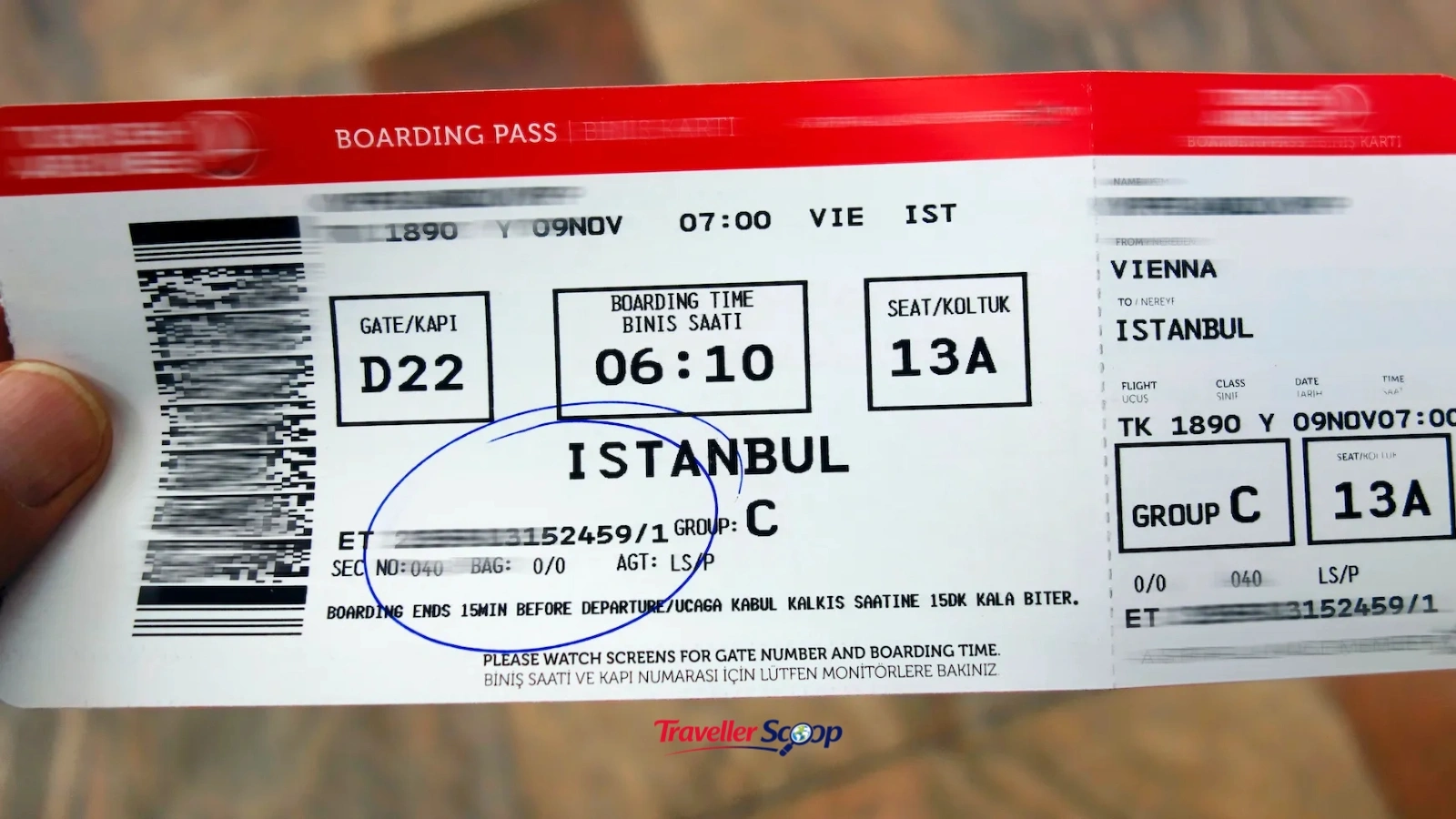
A security researcher discovered that Frontier Airlines’ booking system could expose a passenger’s full passport number, issuing country, expiration date, date of birth, and Known Traveler Number for TSA PreCheck to anyone who had just the six-character booking code and last name, both of which are printed directly on the boarding pass, and both of which are readable straight from the barcode even if you crop out your name.
As one researcher put it plainly, the barcode reveals your identity even if you black out your name and confirmation number, because the barcode gives it all away to any barcode scanner app.
This isn’t a one-off either, similar boarding-pass barcode exposures involving Lufthansa and other major carriers have been documented for years by security researchers.
What to do instead:
- Never post a photo of your boarding pass, printed or digital, even partially blacked out
- Shred paper boarding passes after your trip instead of tossing them in an airport trash can
- Check your bank and airline account for unfamiliar activity after any trip if you’ve previously shared a boarding pass online
4. Leaving Bluetooth and AirDrop Turned On
Among the quieter shocking airport habits is simply forgetting to turn off Bluetooth and file-sharing features. A stealthy thief needs no physical contact to infiltrate your digital life through an open Bluetooth connection, it’s a subtle but real vector for unwanted access in a crowded terminal where hundreds of devices are broadcasting nearby.
What to do instead:
- Turn off Bluetooth and AirDrop/Nearby Share when you’re not actively using them
- Set AirDrop to “Contacts Only,” never “Everyone,” if you keep it on
- Disable auto-connect to unknown Bluetooth devices in your phone settings
5. Using Airport Public Computers or Printers
Business travelers rushing to print a document at an airport business center is one of the more overlooked shocking airport habits. Public computers and printers can retain cached logins, saved documents, or spyware from a previous user, and there’s no way to verify what’s been installed on a shared machine before you type in a password or upload a personal file.
What to do instead:
- Avoid logging into any personal account on a shared airport computer
- Use your own laptop or phone hotspot for printing needs where possible
- If you must use a public machine, use a private/incognito session and log out fully afterward
6. Opting Into Facial Recognition Without Reading the Fine Print
This is one of the newer shocking airport habits, and it’s growing fast. Facial recognition cameras are now present at over 430 U.S. airports as of 2026, and while the scans speed up boarding, many travelers say yes without knowing how long their biometric data is stored or who it’s shared with.
Roughly 18% of eligible travelers actively avoid trusted traveler programs like Clear or Global Entry specifically over biometric data storage concerns, even though Clear reports biometric verification speeds of under 30 seconds.
What to do instead:
- Ask staff if facial recognition is optional at that checkpoint (in the U.S., it usually is)
- Request the standard ID-check line if you’d rather not be scanned
- Read the data retention policy before enrolling in any biometric trusted traveler program
7. Leaving Your Phone Unattended During Security Screening
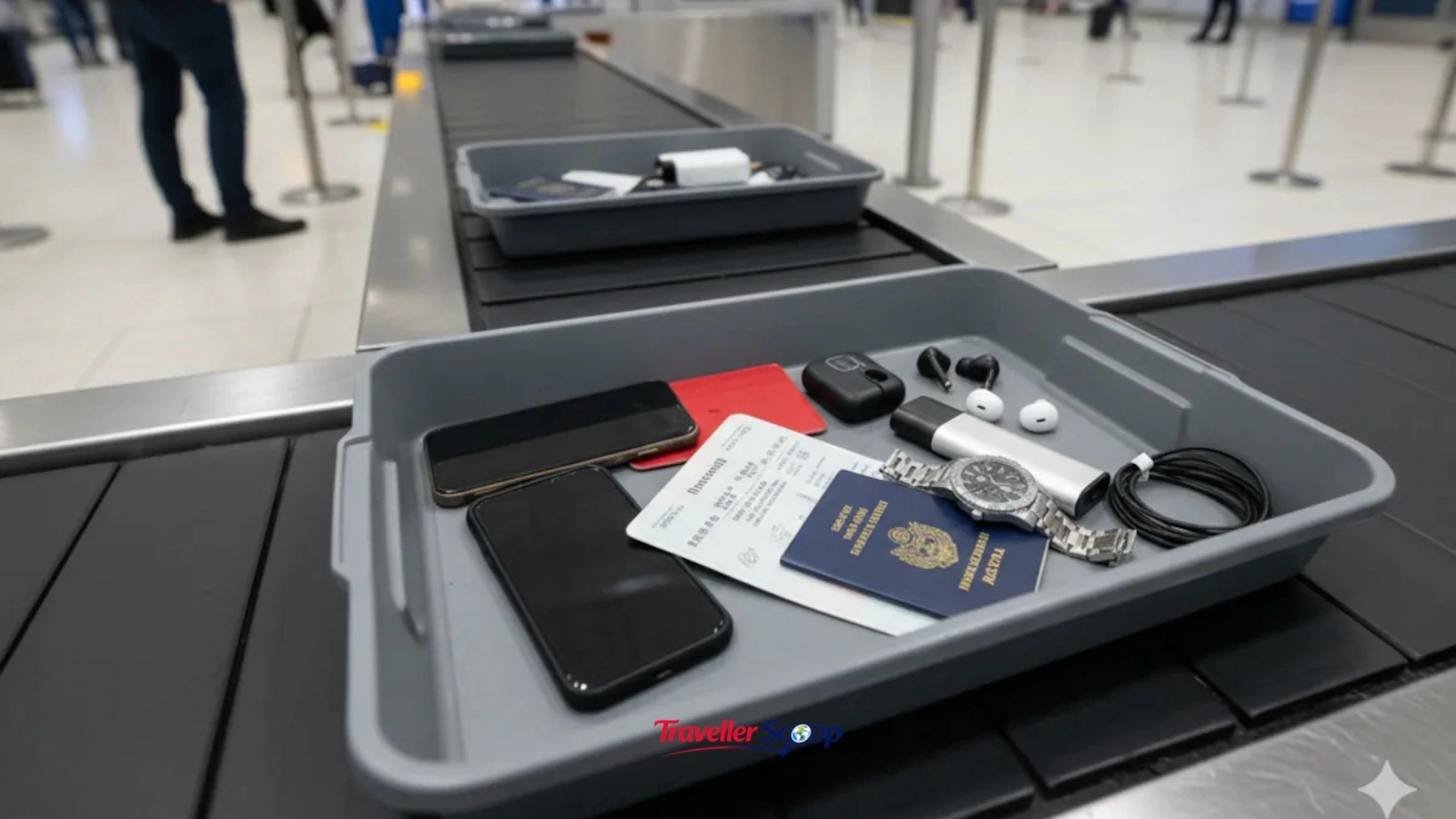
The last of these shocking airport habits is also the most physical: setting your phone in a bin and losing sight of it for even 30 seconds. The distraction of airport security is exactly the moment opportunistic thieves count on, and a phone left unattended can be stolen or tampered with in seconds.
What to do instead:
- Keep your phone in a secure, zipped pocket until you’re directly at the scanner
- Watch your bin move through the X-ray, not just your bag
- Enable a strong passcode (not just biometric-only unlock) before you reach security
How to Build a Simple Airport Data-Safety Routine
You don’t need to overhaul your entire travel routine to avoid these shocking airport habits, you need about three new defaults:
- Charge from your own power bank or a wall outlet, never a shared USB port
- Use mobile data or a VPN instead of open airport Wi-Fi
- Keep boarding passes off social media and out of public trash bins
If you’re planning your next trip and want to build safer habits into your itinerary from day one, our Travel Hacks collection has more practical, real-world tips like this one.
For travelers heading abroad specifically, our international travel guides also cover destination-specific safety notes worth checking before you fly.
If you frequently work from airports or co-working spaces on the road, it’s worth pairing this with device-level precautions, our digital nomad travel resources go deeper into staying secure while working remotely between flights.
You can also run your next destination through our free Destination Safety Radar tool for an instant safety score based on live advisories, or check entry requirements with our Visa Requirement Checker before you travel, since visa and passport data are exactly the kind of information these airport habits can expose.
Conclusion
None of these seven shocking airport habits require you to change how you travel, just how carelessly you hand over information while doing it.
A power bank instead of a shared USB port, a VPN instead of open Wi-Fi, and a little restraint before hitting “post” on that boarding pass photo will cover most of the real risk.
Airports aren’t getting less digital any time soon, so building these small habits now means one less thing to worry about on every trip after this one.
FAQs
How do I know if my personal data was exposed after a trip?
Watch your bank statements and email for unfamiliar activity, check if your airline has issued any breach notices, and consider a credit monitoring service if you regularly share boarding passes or travel documents online.
What is the single most dangerous airport habit for data theft?
Posting a boarding pass photo online is arguably the riskiest, since the barcode alone can expose your passport number, date of birth, and booking details even if your name is cropped out.
Is airport Wi-Fi safe to use at all?
It's safe for casual browsing but risky for anything sensitive. Avoid logging into banking or email accounts on open Wi-Fi, and use a VPN if you need to connect for work.
Does charging my phone at an airport kiosk actually put me at risk?
Yes, this is known as "juice jacking." A compromised USB port can transfer malware or access data while charging your device, so a personal charger or power bank is safer.
Can I refuse facial recognition scans at U.S. airports?
In most cases, yes. Facial recognition at TSA checkpoints is typically optional for U.S. citizens — you can request a standard ID check instead.

Khushi Vaid
Senior Travel EditorI’m Khushi Vaid, a travel writer with over 2 years of experience creating destination guides, travel tips, and travel planning content. At Traveller Scoop, I write about destinations, travel trends, and practical advice to help readers explore the world with confidence.